| How to make a watermark |
Mytoolsoft Watermark Software is a easy-to-use watermark software in batch mode.
Easy three-step operation to complete. |
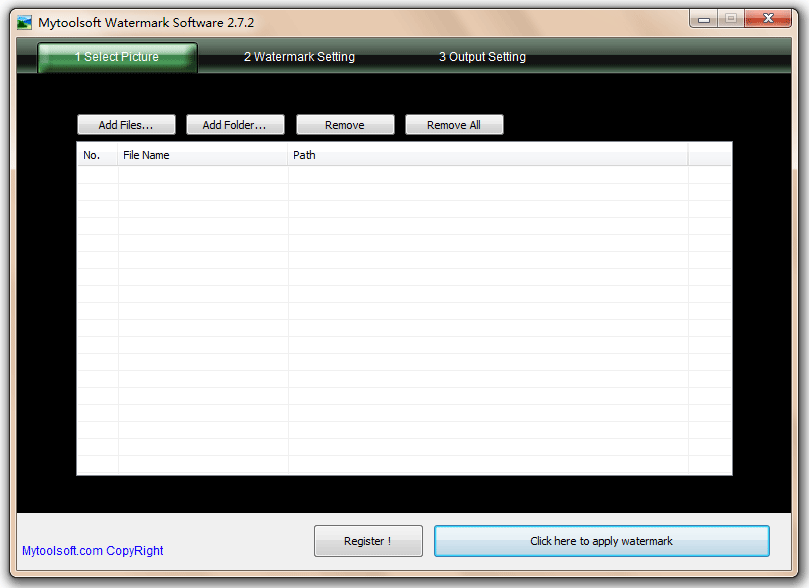
| 1 At first, choice the images which you need to add a watermark. You can select multiple files, you can select a folder, or directly from Explorer and drag them to the following window. |
 |
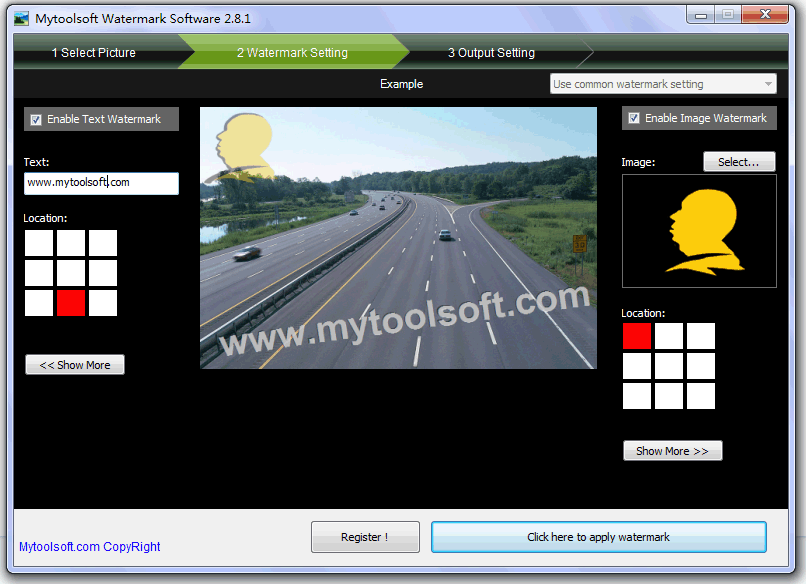
2 In "Watermark Setting" page, Set watermark style and location, support text watermark and image watermark |
 |
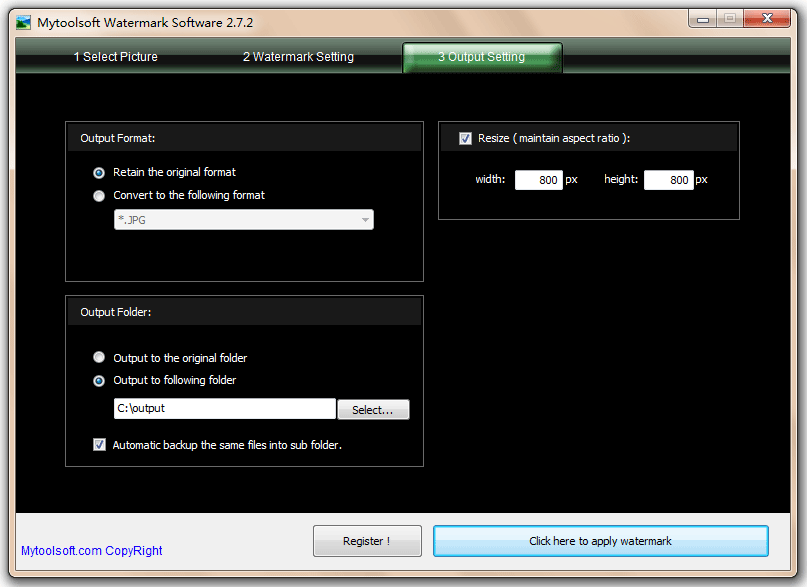
3 Set the output image format and location. |
 |
| Finally, click the button which caption is "Click here to apply watermark". Well, you're done. :) |